
The gate should not stop when the network does
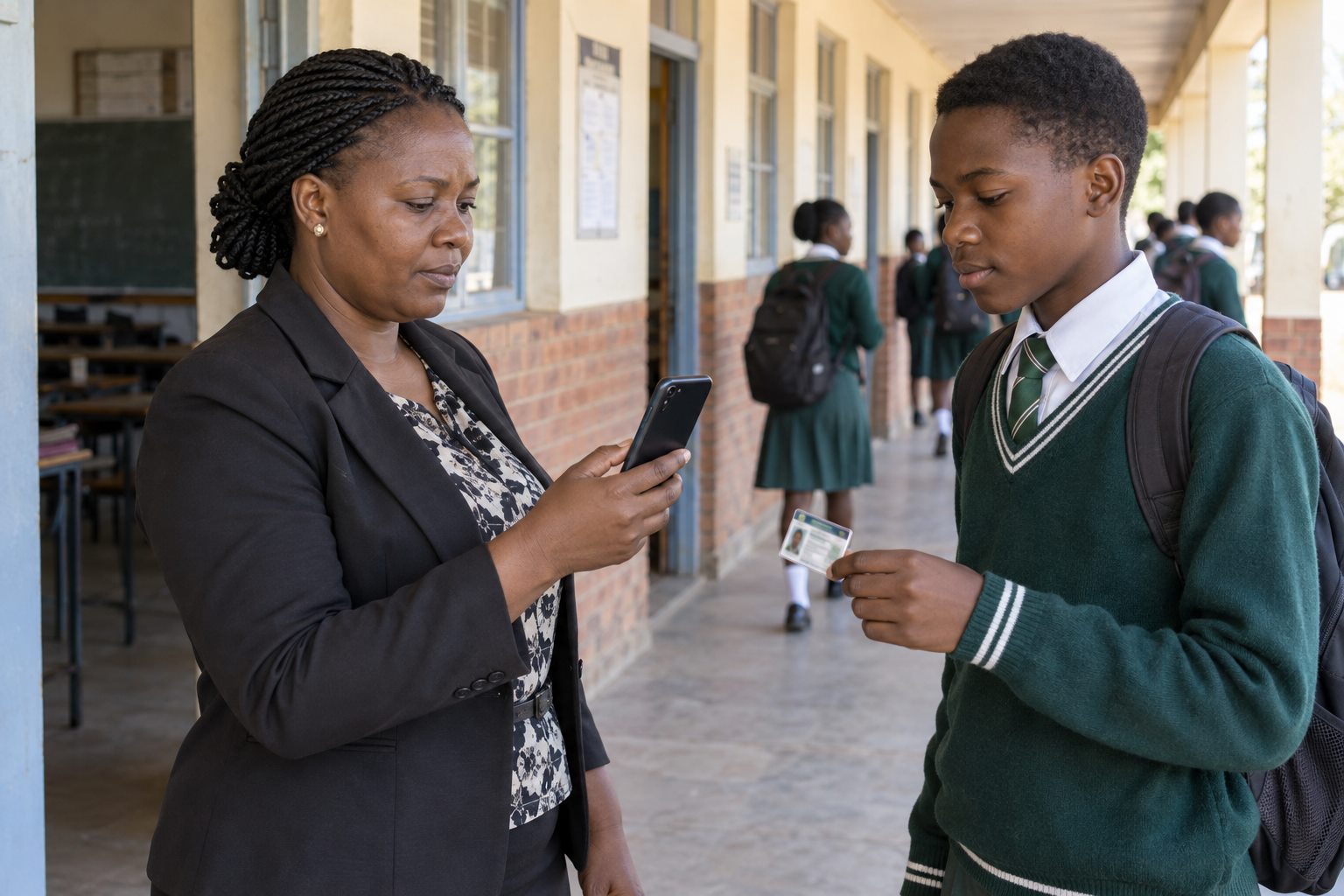
Morning arrival is time-sensitive. Reverting to paper whenever the internet drops creates two records that staff must reconcile later. An offline-first mobile workflow stores each completed attendance action on the authorised device until it can synchronise.
A visible queue supports accountability
Sekani’s mobile dashboard shows how many records are waiting to sync and when data was last updated. Staff can see whether the device is current instead of assuming that every capture has reached the central system.
Synchronisation is part of the daily routine
Schools should name the person responsible for checking pending records, connecting the device and confirming that the queue has cleared. This small operational habit protects data quality.
WhatsApp alerts depend on connectivity
The attendance record can be captured offline, but a WhatsApp notification needs internet access. When connectivity returns and the record synchronises, the parent or guardian alert can proceed.
Prepare for ordinary exceptions
Keep the student roster refreshed before the gate period, charge the phone, and define what happens if an ID is damaged or a learner is not found. The mobile app includes admission-number lookup as an alternative to QR scanning.
See the workflow in Sekani
Sekani connects mobile attendance with the student record, school ID, fee context, offline synchronisation and parent or guardian communication. The most useful evaluation is a guided demonstration using your school’s own gate and attendance scenarios.