
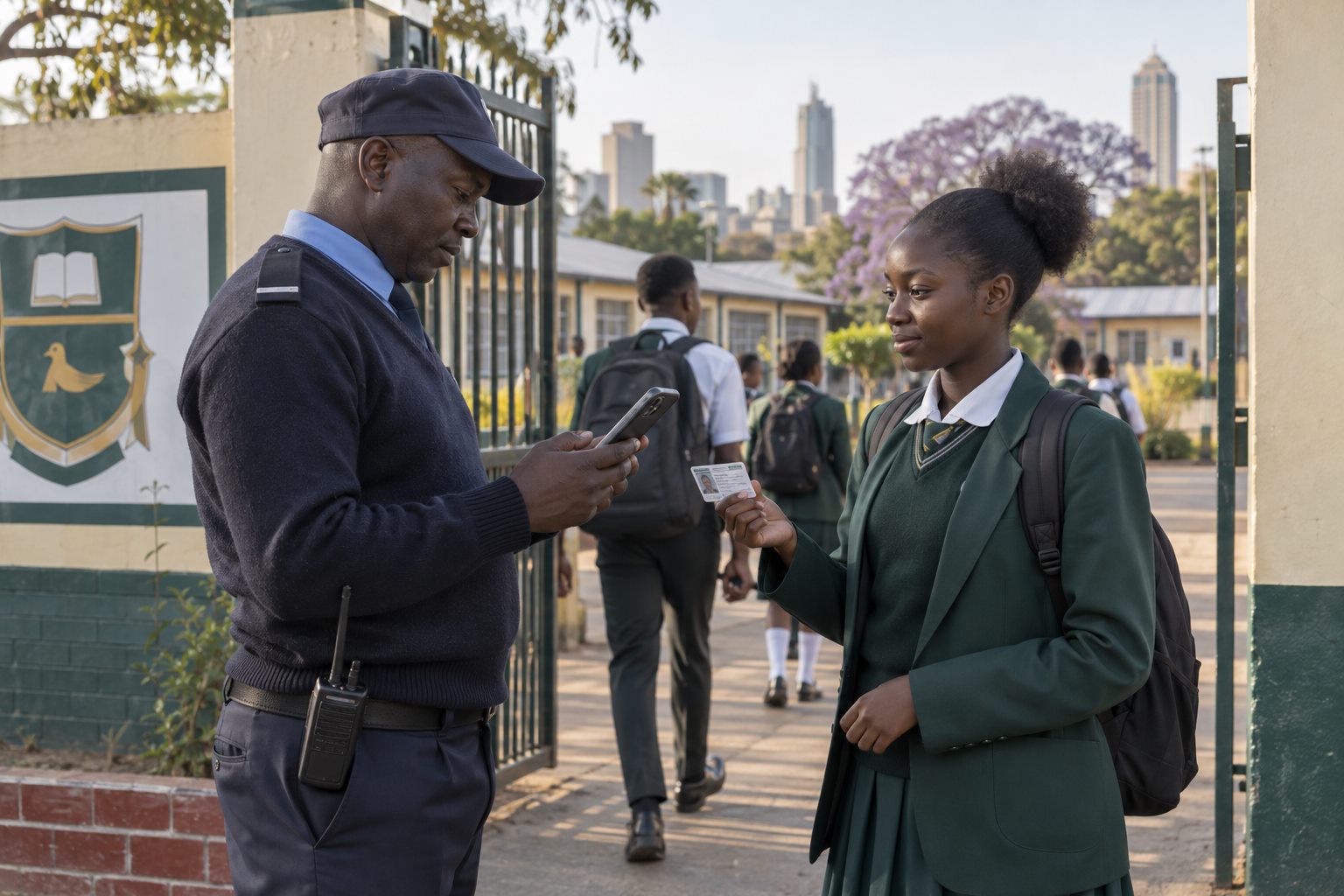
Remove repeated handwriting and re-entry
Paper registers often require staff to write the same information and later capture it again. Scanning an ID retrieves the learner record directly, reducing spelling differences and manual transcription.
Confirm before committing
Displaying the student name, admission number and class gives the user a quick verification step. It is easier to catch the wrong card or record before attendance is saved.
Make repeat capture visible
The student screen can state that attendance has already been captured for the day. This reduces accidental double recording when staff rotate or a learner presents an ID twice.
Avoid a second register during outages
Offline capture keeps the same digital workflow active when internet service is unreliable. A visible pending-sync count tells staff what still needs to reach the central record.
Review exceptions instead of hiding them
Unreadable cards, missing roster entries and disputed student details should move into a small exception queue. Fixing those source records improves future attendance sessions as well as the broader student database.
See the workflow in Sekani
Sekani connects mobile attendance with the student record, school ID, fee context, offline synchronisation and parent or guardian communication. The most useful evaluation is a guided demonstration using your school’s own gate and attendance scenarios.