
The alert should start with a verified event
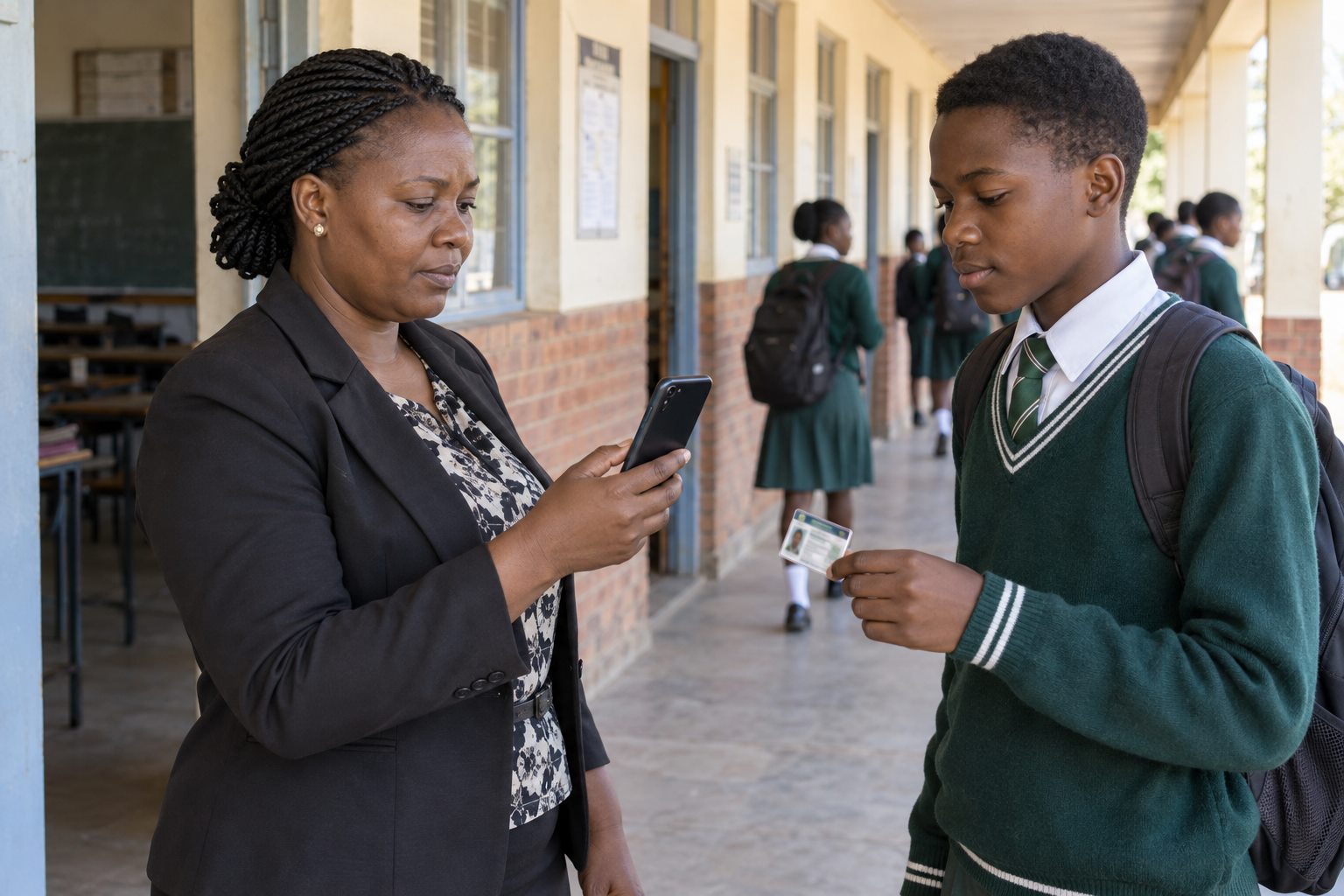
A useful message follows a completed attendance action tied to the correct student record. Scanning the school ID and confirming the learner before capture improves the quality of the notification.
Set the right expectation about timing
When the attendance device has connectivity, the workflow can notify the parent or guardian through WhatsApp after capture. If the device is offline, the record must synchronise when internet returns before the digital alert can be delivered.
Keep messages factual and limited
An attendance alert should identify the relevant learner and event without exposing fee balances or other private information. Financial follow-up belongs in an authorised, separate conversation.
Maintain guardian contact data
The school should verify which guardian number is authorised and keep changes controlled. An old or shared number can undermine an otherwise accurate attendance process.
Explain what the alert does—and does not—mean
The message confirms that attendance was recorded through the school workflow. Schools should publish their own cut-off times, late-arrival rules and support channel so parents know when to raise a query.
See the workflow in Sekani
Sekani connects mobile attendance with the student record, school ID, fee context, offline synchronisation and parent or guardian communication. The most useful evaluation is a guided demonstration using your school’s own gate and attendance scenarios.